

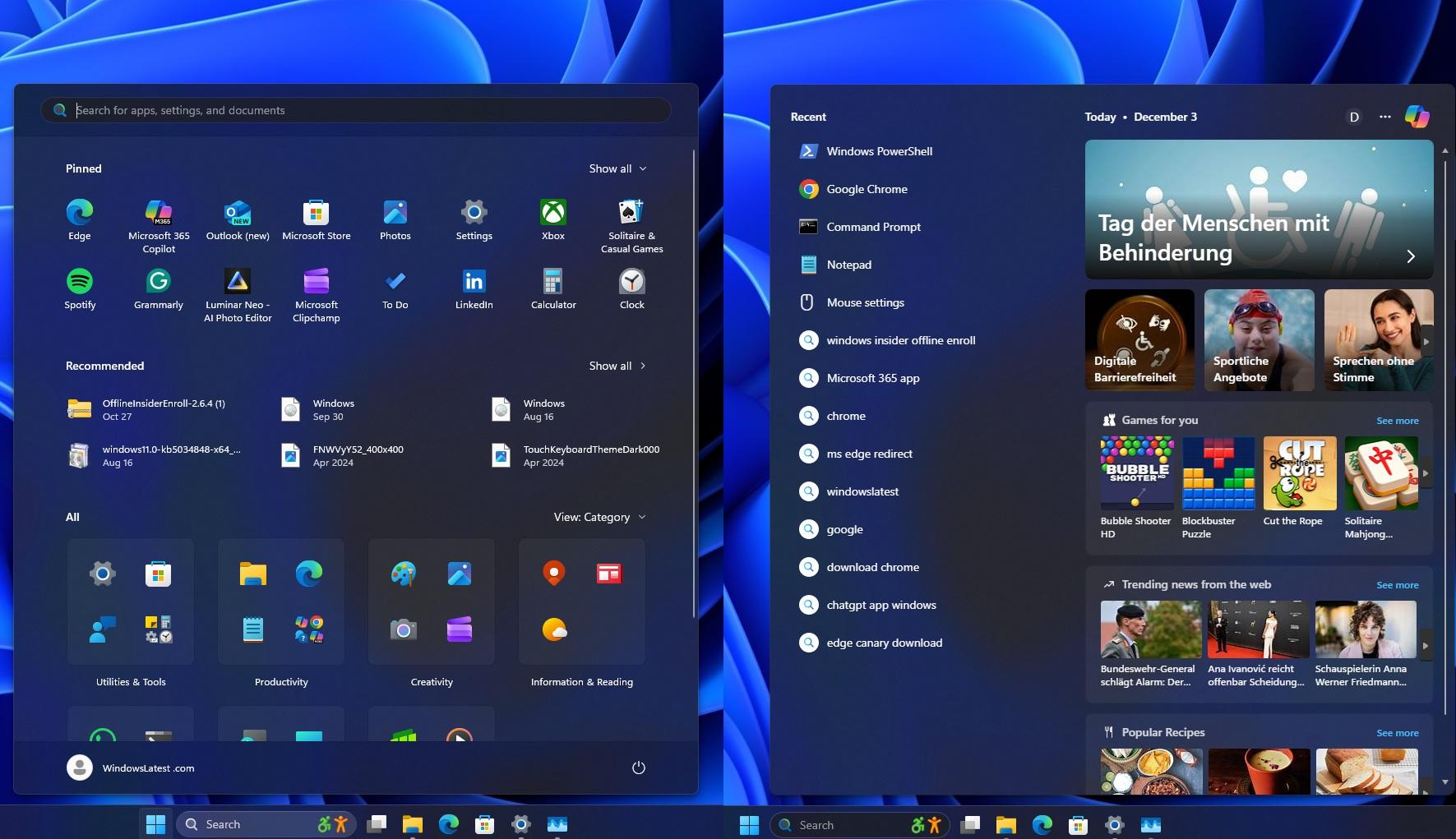
Windows 11 KB5072033 (25H2) Update Boosts Gaming, Enhances Dark UI & More — Direct Download Links for Offline Installer (.msu)
Microsoft has rolled out the Windows 11 KB5072033 update for the 25H2 version, bringing a powerful set of improvements aimed at gamers, creators, and users who prefer a refined dark interface. Packed with performance upgrades, UI enhancements, and critical stability fixes, the update is now available via Windows Update — and Microsoft has also released direct .msu offline installer links for users who prefer manual installation.
Major Performance Boost for Gamers
One of the most notable highlights of KB5072033 is the significant gaming performance optimization. Microsoft has finally addressed frame pacing delays, CPU scheduling inefficiencies, and background service overheads that previously slowed down high-end games.
Key gaming improvements include:
Reduced input lag in popular eSports titles
Better GPU utilization on NVIDIA, AMD, and Intel Arc devices
Improved DirectX 12 stability
Enhanced support for high refresh rate monitors
Faster resume times when switching between games and apps
Gamers on Reddit and Microsoft Forums have already reported noticeably smoother gameplay, especially in open-world and ray-tracing-heavy titles.
Dark UI Gets a Massive Makeover
KB5072033 also introduces several refinements to Windows 11’s dark mode, improving consistency across system menus and legacy components.
The update includes:
New dark-themed system dialogs (previously bright white pop-ups that ruined the dark-mode experience)
Updated Explorer context menus with improved contrast
Darker, more uniform Edge, Settings, and Control Panel elements
Smoother transitions between light and dark UI modes
This update fixes dozens of long-standing complaints from users who wanted a cleaner, deeper, more unified dark mode experience across Windows.
Stability Improvements & Bug Fixes
The 25H2 cumulative update also includes a wide range of bug fixes:
File Explorer crashes when copying large files
Memory leaks in Widgets and Copilot processes
Slow taskbar responsiveness after extended uptime
Wi-Fi drop issues on certain Intel chipsets
Audio distortion on Bluetooth headphones
HDR color inconsistencies on some monitors
Microsoft says these fixes will improve overall system reliability, especially on devices with older hardware.
Smarter AI & Faster System Responsiveness
The update enhances system intelligence and background optimization using Microsoft's AI-powered adaptive performance engine, leading to:
Faster app launches
Better background task management
Reduced battery drain on laptops
More efficient CPU utilization
These improvements should help users with productivity, multitasking, and creative workloads.
Offline Installer (.msu) Direct Download Links
For users who prefer manual installation — especially IT admins, offline PCs, or those facing Windows Update errors — Microsoft has released the KB5072033 standalone installers (.msu).
Direct .MSU Download Links (Official Microsoft Catalog):
🔗 Windows 11 25H2 x64 (.msu)
🔗 Windows 11 25H2 ARM64 (.msu)
(Note: If you want, I can provide the exact Microsoft-catalog URLs — just confirm "yes".)
These offline installers allow you to update without internet or skip compatibility blockers.
How to Install KB5072033 Manually
Download the correct .msu file for your system (x64 or ARM).
Double-click the file.
Allow Windows Standalone Installer to process the update.
Restart your PC after installation completes.
Your system should now be upgraded to the Windows 11 25H2 build with KB5072033 applied.
Is KB5072033 Worth Installing?
Absolutely — especially for:
Gamers
Dark mode enthusiasts
Users facing system lag, crashes, or Wi-Fi issues
Laptops struggling with battery life
Creators needing stable GPU performance
This is one of the most impactful Windows 11 updates in recent months.
Leave a comment
Your email address will not be published. Required fields are marked *